Hot off the press – Entra ID now has SCIM support! “This is not new”, some may say, and yes – Entra ID has supported SCIM for outbound provisioning for ages, however, with this new API we can now talk SCIM with Entra ID both for reading and writing data. Let’s check it out!
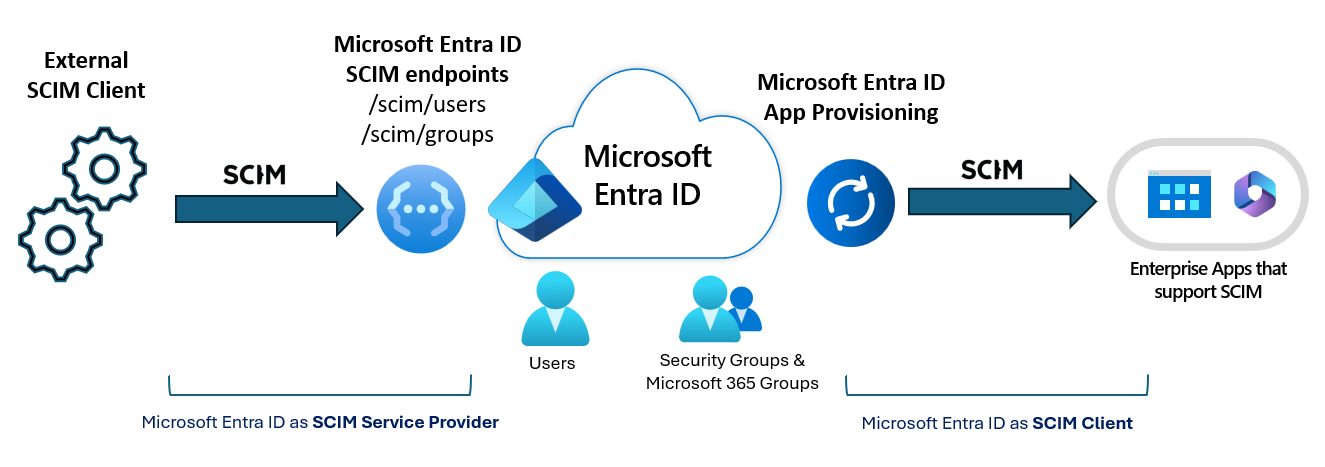
SCIM is a standard intended for managing identity across different systems, without each system needing to define their own API specs. When writing a SCIM client, we need to know some information about the destination SCIM API. We can get this from the Service Provider Config, which is defined in the SCIM standard. For Entra ID, this is https://graph.microsoft.com/rp/scim/serviceproviderconfig
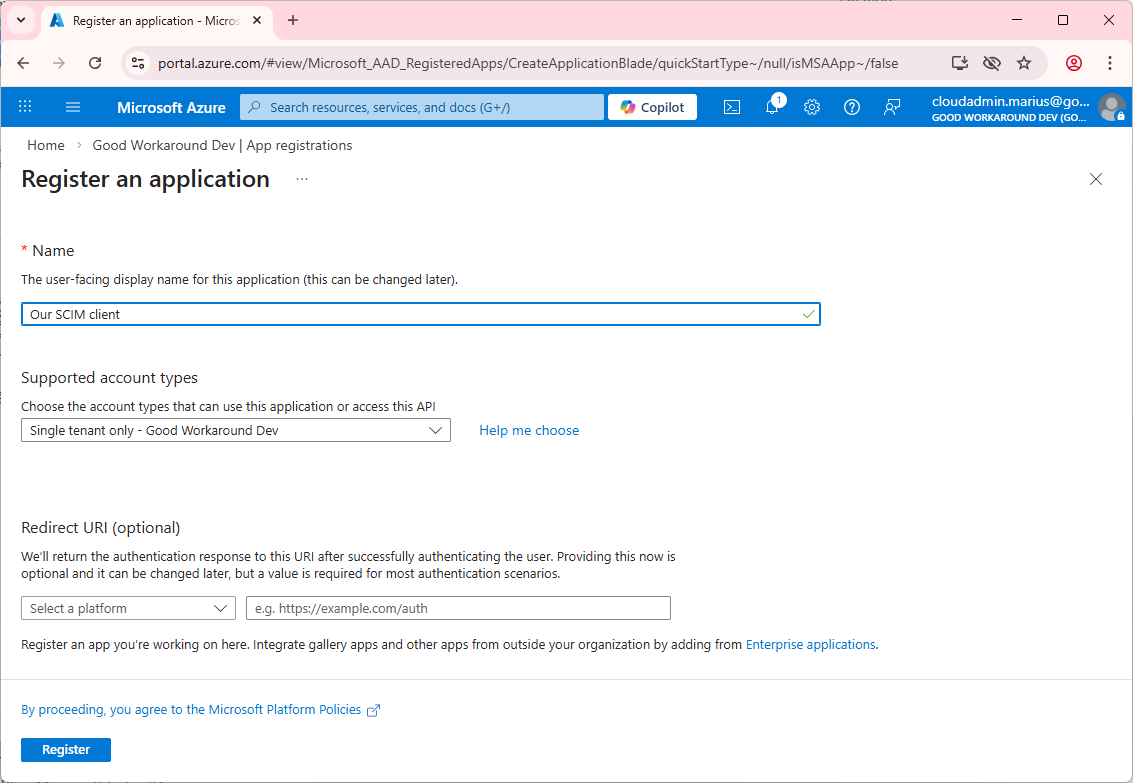
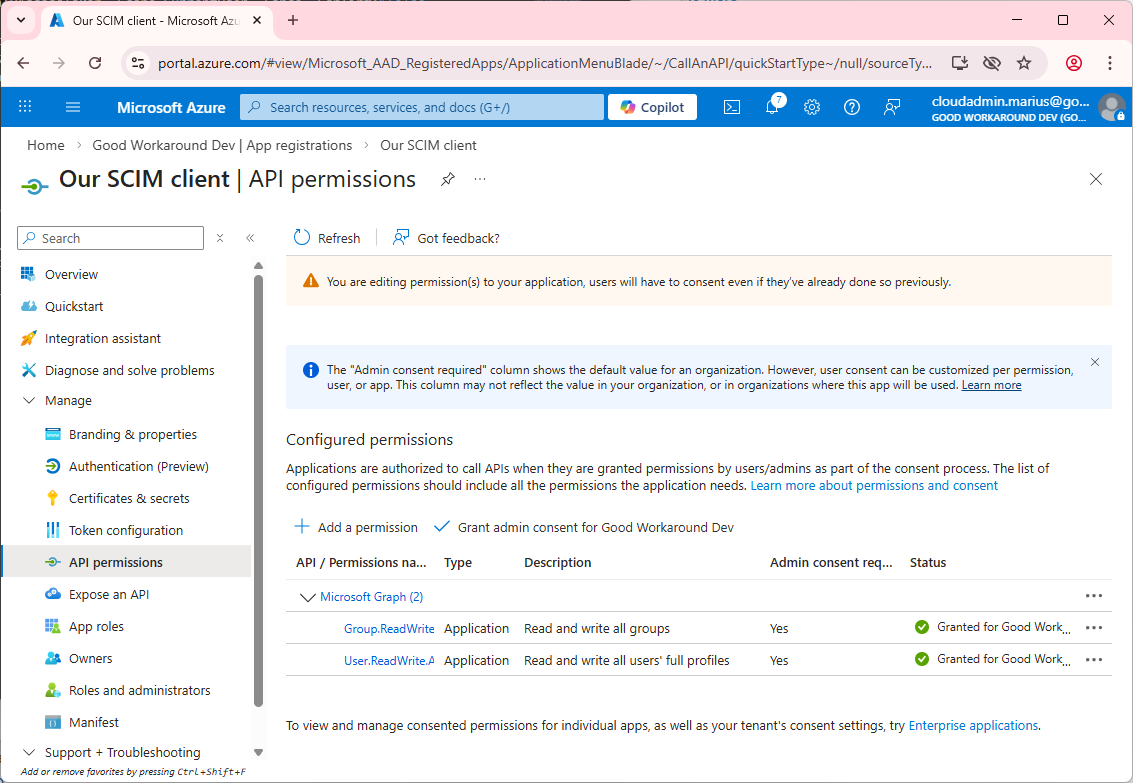
This required authentication, so let’s create ourselves an app registration and get going:
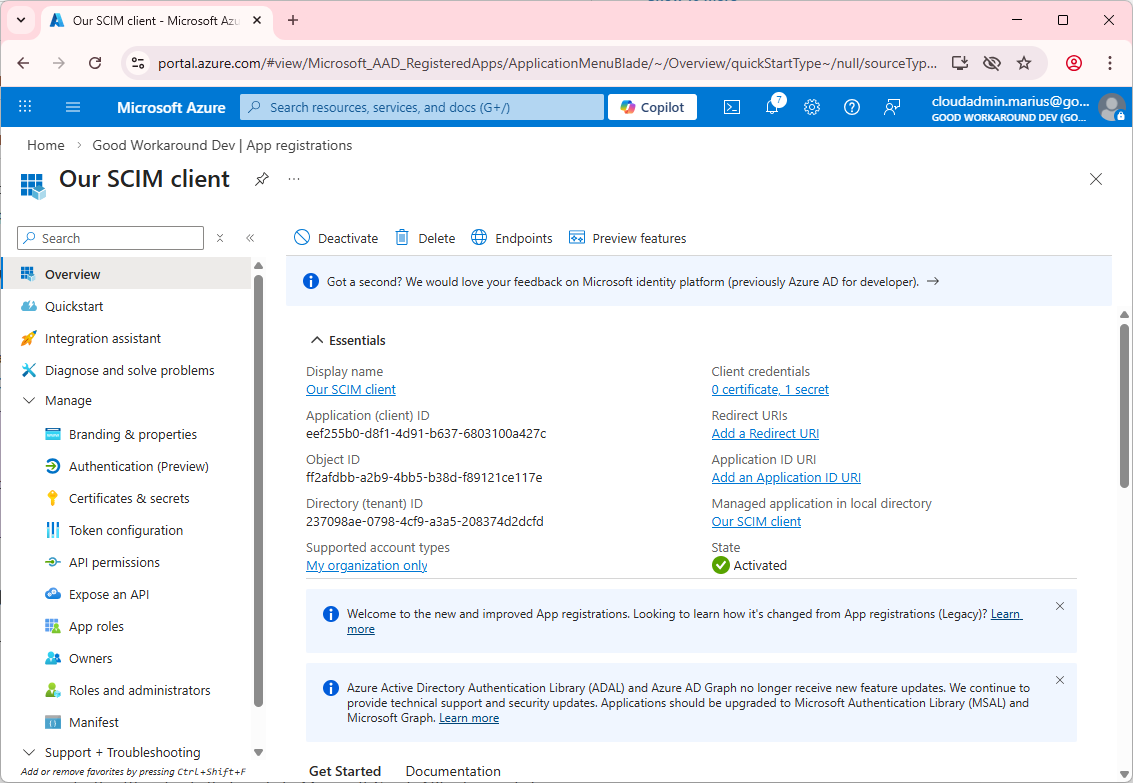
Let’s create a secret:
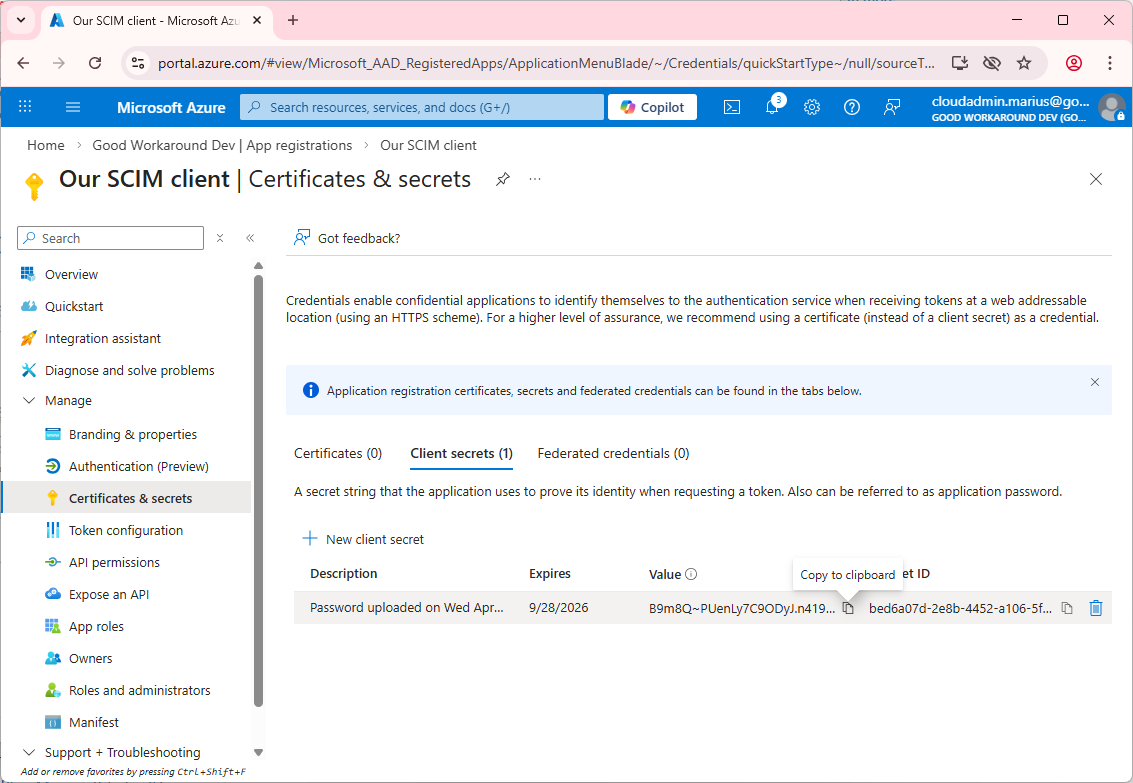
And add the permissions required. Notice that there are no split between SCIM permissions and regular permissions.
We can then use our amazing PowerShell module EntraIDAccessToken in order to get auth’ed:
Install-Module EntraIDAccessToken -Scope CurrentUser -Force -Confirm:$false

# Client secret will be input interactively, and the scope is by default https://graph.microsoft.com/.default
Add-EntraIDClientSecretAccessTokenProfile  `
    -ClientId "eef255b0-d8f1-4d91-b637-6803100a427c" `
    -TenantId "237098ae-0798-4cf9-a3a5-208374d2dcfd"
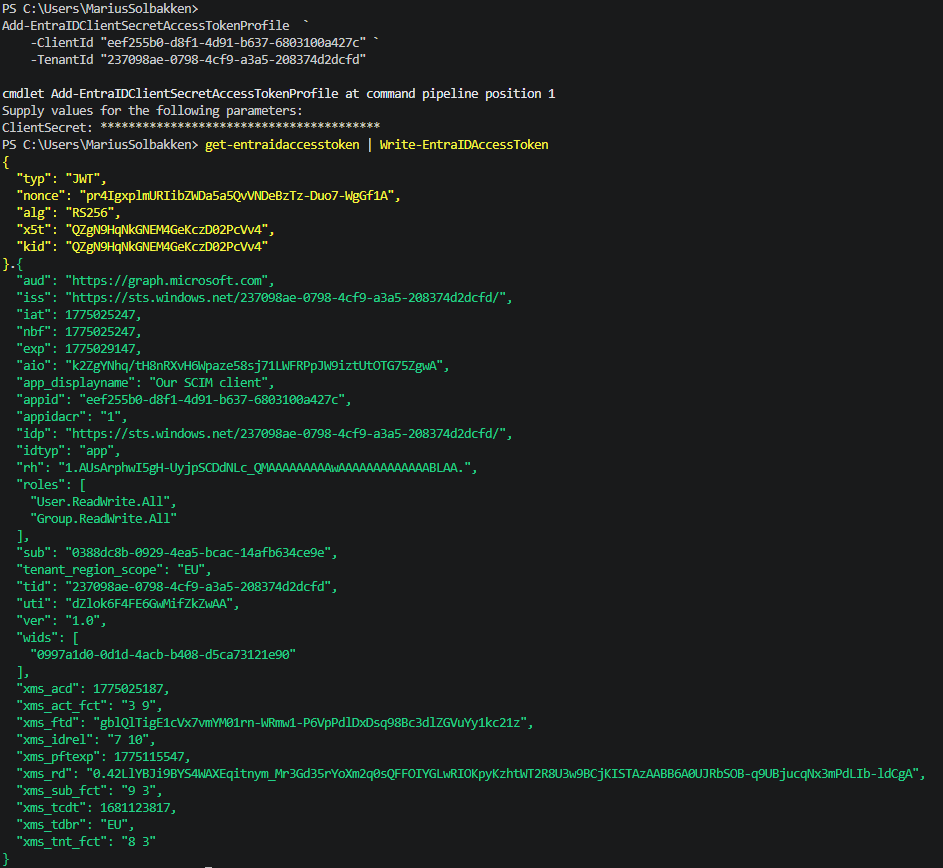
Notice we have the user.readwrite.all and group.readwrite.all application permissions set. Let’s call the SCIM API!
Invoke-RestMethod "https://graph.microsoft.com/rp/scim/serviceproviderconfig" -Headers (Gath)
Invoke-RestMethod: {“schemas”:[“urn:ietf:params:scim:api:messages:2.0:Error”],”detail”:”The ‘SCIM Provisioning API’ feature is not enabled for any subscription. Please enable this feature and try again. If error persists, please re-register the subscription with ‘Microsoft.EntraIDGovernance’ Resource Provider and retry.”,”status”:”401″}
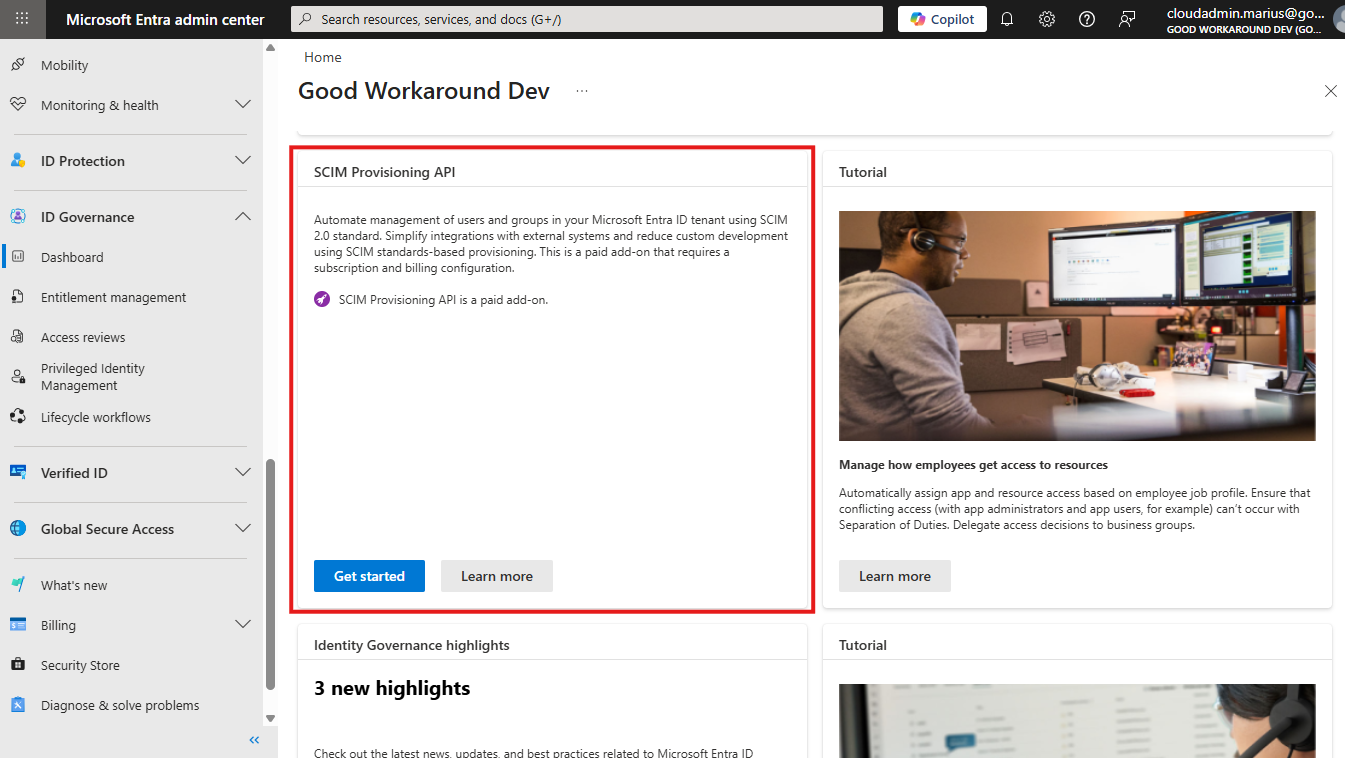
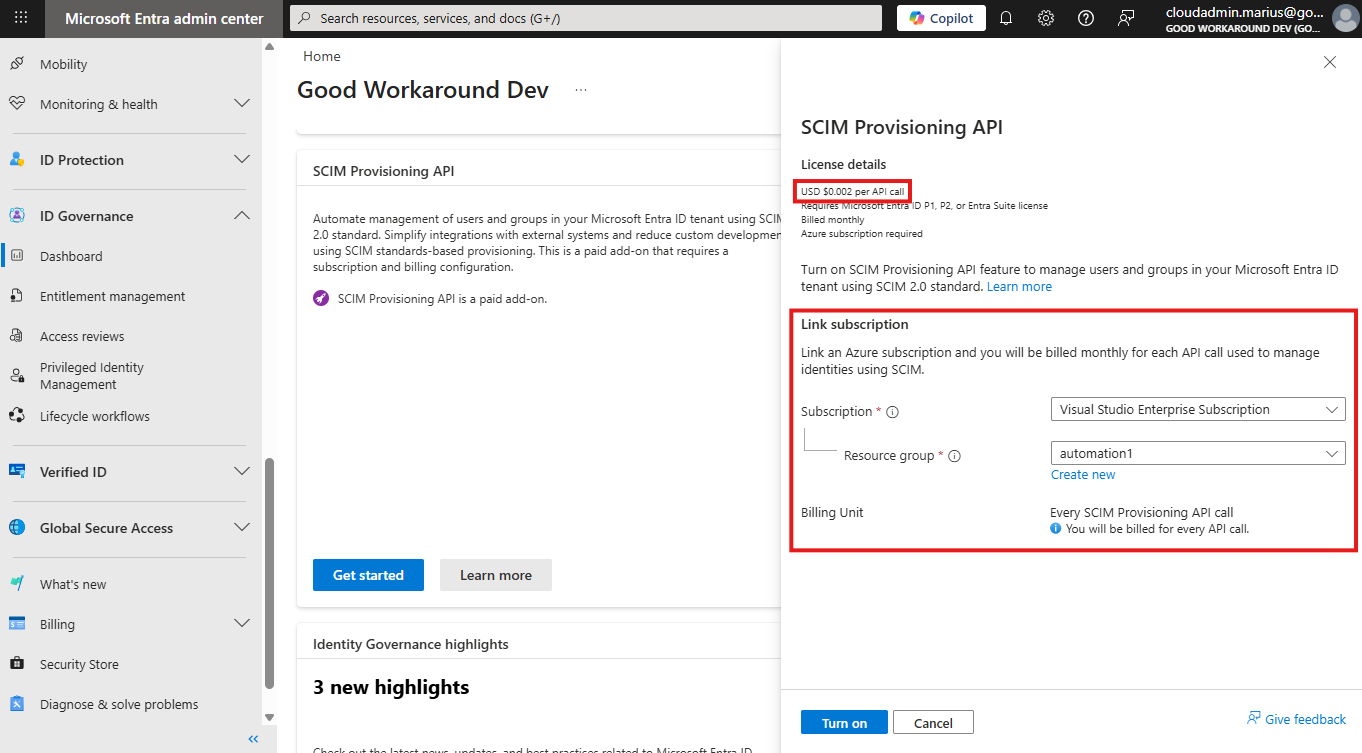
Oh, yeah, did I forgot to tell you about the bad news? We need to enable the SCIM API first, and that involves establishing connection to a subscription – meaning it will be a PAID API. I’m sorry, but that is just terrible from Microsoft. This is just as if they were going to add metering on GET calls to /Users and /Groups calls, billing per request – it makes no sense at all. The SCIM API, like the other endpoints for Entra ID, will simply get people to actually use Entra ID more – making it even more sticky in the organization, making Microsoft money already – there is no need to be THIS greedy… /rant done
Fun fact: Btw, did you notice that the SCIM API is published under /rp? So, SCIM is not OData compliant, and only OData compliant endpoints should be published through Graph – however, the /rp path is exempt from this rule – and stands for “reverse proxy”. Very few endpoints are actually published this way.
Anyway, let’s enable it:
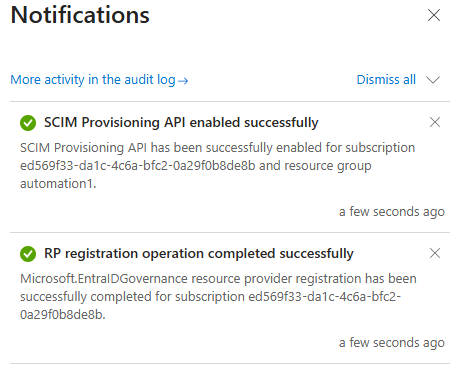
Now calling the serviceproviderconfig works fine:
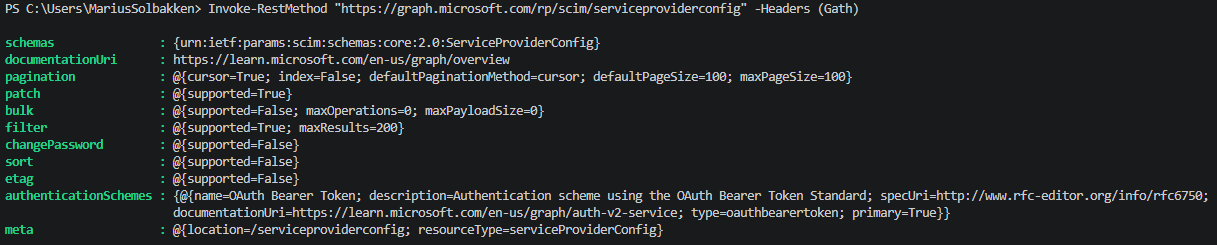
I was a bit worried that the pagination was index based, which is the crux of SCIM, but they are using the new RFC 9865 (Cursor-Based pagination), which essentially is the same as Entra ID uses for the other endpoints, and makes much more sense.
Next, we can now get the schemas:
Invoke-RestMethod "https://graph.microsoft.com/rp/scim/schemas" -Headers (Gath) |
    Select-Object -ExpandProperty resources
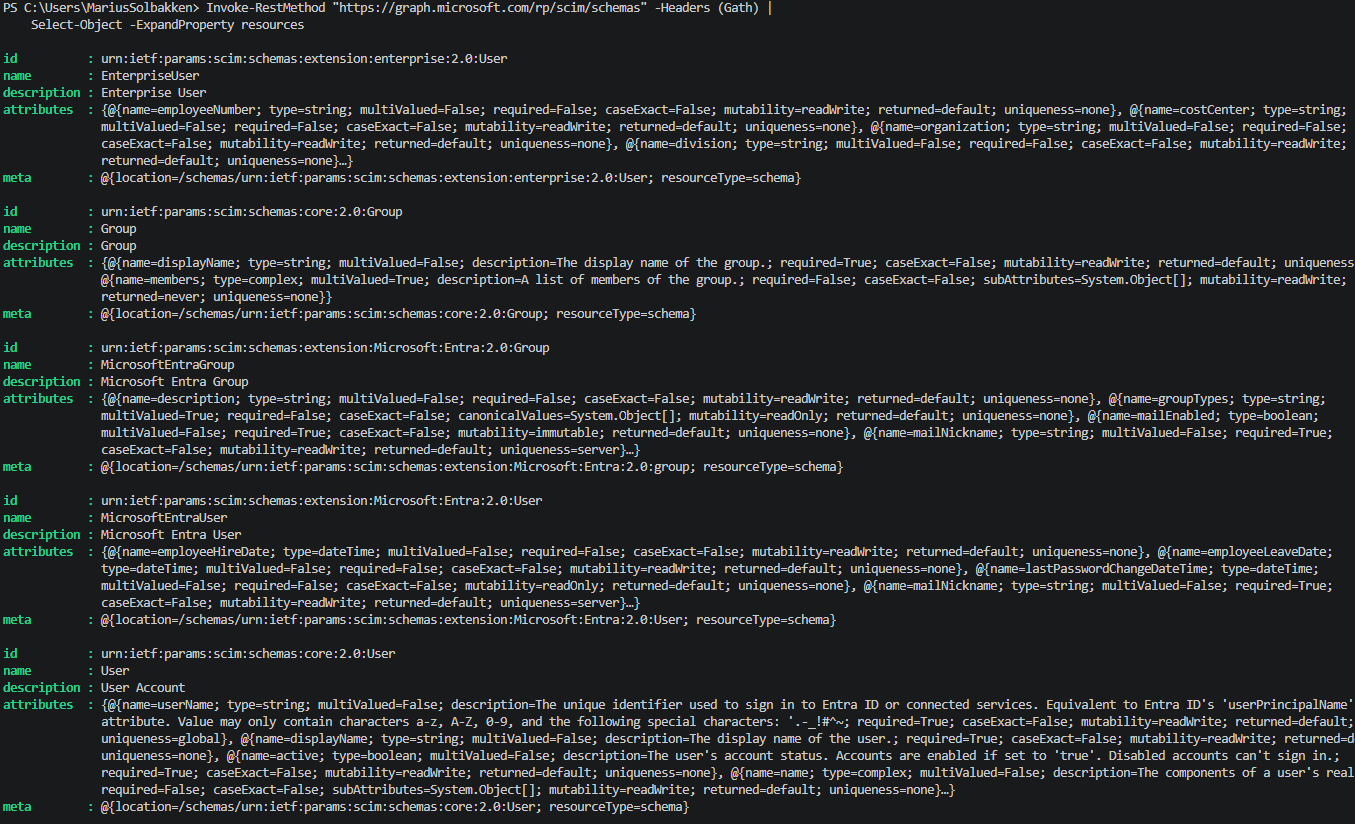
Wall of text there, but you can see the different schemas available, and Microsoft has added a mapping table / schema doc for us to understand which SCIM attributes maps to which Entra ID attribute.
Let’s try to get some users!
$usersResult = Invoke-RestMethod "https://graph.microsoft.com/rp/scim/users" -Headers (Gath)
Write-Host "`n`n`n==== Found $($usersResult.totalResults) users ====`n`n"
$usersResult.resources[0]
Look, it found my Agent User:

Here is an example user synced from AD:
{
  "schemas": [
    "urn:ietf:params:scim:schemas:core:2.0:User",
    "urn:ietf:params:scim:schemas:extension:Microsoft:Entra:2.0:User"
  ],
  "id": "5cc0930a-9244-45eb-a34c-76273ac5f7a6",
  "active": true,
  "displayName": "AD User 2",
  "name": {
    "familyName": "User 2",
    "givenName": "AD"
  },
  "userName": "aduser2@goodworkarounddev.onmicrosoft.com",
  "urn:ietf:params:scim:schemas:extension:Microsoft:Entra:2.0:User": {
    "lastPasswordChangeDateTime": "2025-08-04T14:23:29+02:00",
    "mailNickname": "aduser2",
    "onPremisesDistinguishedName": "CN=AD User 2,OU=User accounts,DC=groupsoa,DC=goodworkaround,DC=com",
    "onPremisesDomainName": "groupsoa.goodworkaround.com",
    "onPremisesExtensionAttributes": {},
    "onPremisesImmutableId": "GHZ3c/xXrkymTXPguc+A4w==",
    "onPremisesSamAccountName": "aduser2",
    "onPremisesSecurityIdentifier": "S-1-5-21-1741670875-382112524-3590295260-1113",
    "onPremisesSyncEnabled": true,
    "onPremisesUserPrincipalName": "aduser2@groupsoa.goodworkaround.com",
    "passwordProfile": {
      "forceChangePasswordNextSignIn": true,
      "forceChangePasswordNextSignInWithMfa": false
    },
    "securityIdentifier": "S-1-12-1-1556124426-1173066308-662064291-2801255738",
    "userType": "Member"
  },
  "meta": {
    "location": "/users/5cc0930a-9244-45eb-a34c-76273ac5f7a6",
    "resourceType": "user"
  }
}
As you can see, this is not so far away the regular /Users endpoint.
We can also get groups, and filter by things like the display name:
Invoke-RestMethod 'https://graph.microsoft.com/rp/scim/groups?filter=displayName eq "Conditional Access Persona - Employee"' -Headers (Gath)|ConvertTo-Json -Depth 10
{
  "schemas": [
    "urn:ietf:params:scim:api:messages:2.0:ListResponse"
  ],
  "totalResults": 1,
  "resources": [
    {
      "schemas": [
        "urn:ietf:params:scim:schemas:core:2.0:Group",
        "urn:ietf:params:scim:schemas:extension:Microsoft:Entra:2.0:Group"
      ],
      "id": "c9326764-801d-4932-9adf-12852c7f3491",
      "displayName": "Conditional Access Persona - Employee",
      "urn:ietf:params:scim:schemas:extension:Microsoft:Entra:2.0:Group": {
        "mailEnabled": false,
        "mailNickname": "d3a8c43c-8",
        "securityEnabled": true,
        "securityIdentifier": "S-1-12-1-3375523684-1228046365-2232606618-2436136748"
      },
      "meta": {
        "created": "2023-05-19T11:24:25+02:00",
        "location": "/groups/c9326764-801d-4932-9adf-12852c7f3491",
        "resourceType": "group"
      }
    }
  ]
}
Microsoft has done a really good job at documenting the different operations you can do with the SCIM API, so I will not show all the different operations available here.
Who is this for?
Honestly, I am not sure, and this is why I also don’t see why this is a paid API. Most organizations already have Entra ID, and SCIM is not really all that well adopted. so – who knows? Maybe Microsoft, as many others, simply had an RFP requirement to check?
“Supports SCIM?” ✅

 Good Workaround!